Free 30-day trial Set up for you

Pick one project. Run it on TNE Connect for 30 days.

Not a login and a blank screen. Tell us about one live project and we’ll build the workspace around it: your crew, your cost codes, your approval routes, all in place before you invite a single person in.

  • Configured for your project, live within five working days
  • Timesheets, absence and expenses in one place for the full 30 days
  • No card, no contract, and it doesn't roll into anything
5 days From form to live workspace
£0 No card required
1 project All you need to commit

Start your 30-day trial

A few questions so we can build your workspace properly. A real person reviews every request, usually the same day.

We’ll confirm within one working day and book a 30-minute set-up call.

  • No card
  • No contract
  • No auto-renew

Feature

Old Way

New Way

Day one
A login and an empty workspace
Your project, crew and cost codes already loaded
Who configures it
You, in evenings you don't have
Our expert team walk through the set up with you
Approval routes
Default settings you have to unpick
Mapped to how your project actually signs things off
Getting the team on
Your problem
We send the invites and the one-page guide
Day 30
An email asking for your card
A report on what the project's data actually showed
Quote Icon

Managing timesheets and expenses was a constant hassle, especially on long projects where data spanned many years.

Elliott Codrington, Senior Quantity Surveyor, Fourway · Rail & transport infrastructure, ~100 people

Four steps, and only one of them is yours

  • Day 0

    1. Tell us about the project

    The form above. Crew size, duration, and how time and cost are handled today. That's everything we need to start.

  • Within 5 days

    2. We build your workspace

    One 20-minute call, then we configure it: your project structure, cost codes, crew, roles and approval routes. You don't touch a settings screen.
  • Within 5 days

    3. Your team just uses it

    Timesheets by email, desktop or mobile. Expenses photographed on site. Absence in the same place. We check in twice, briefly.
  • Day 30

    4. You get the picture

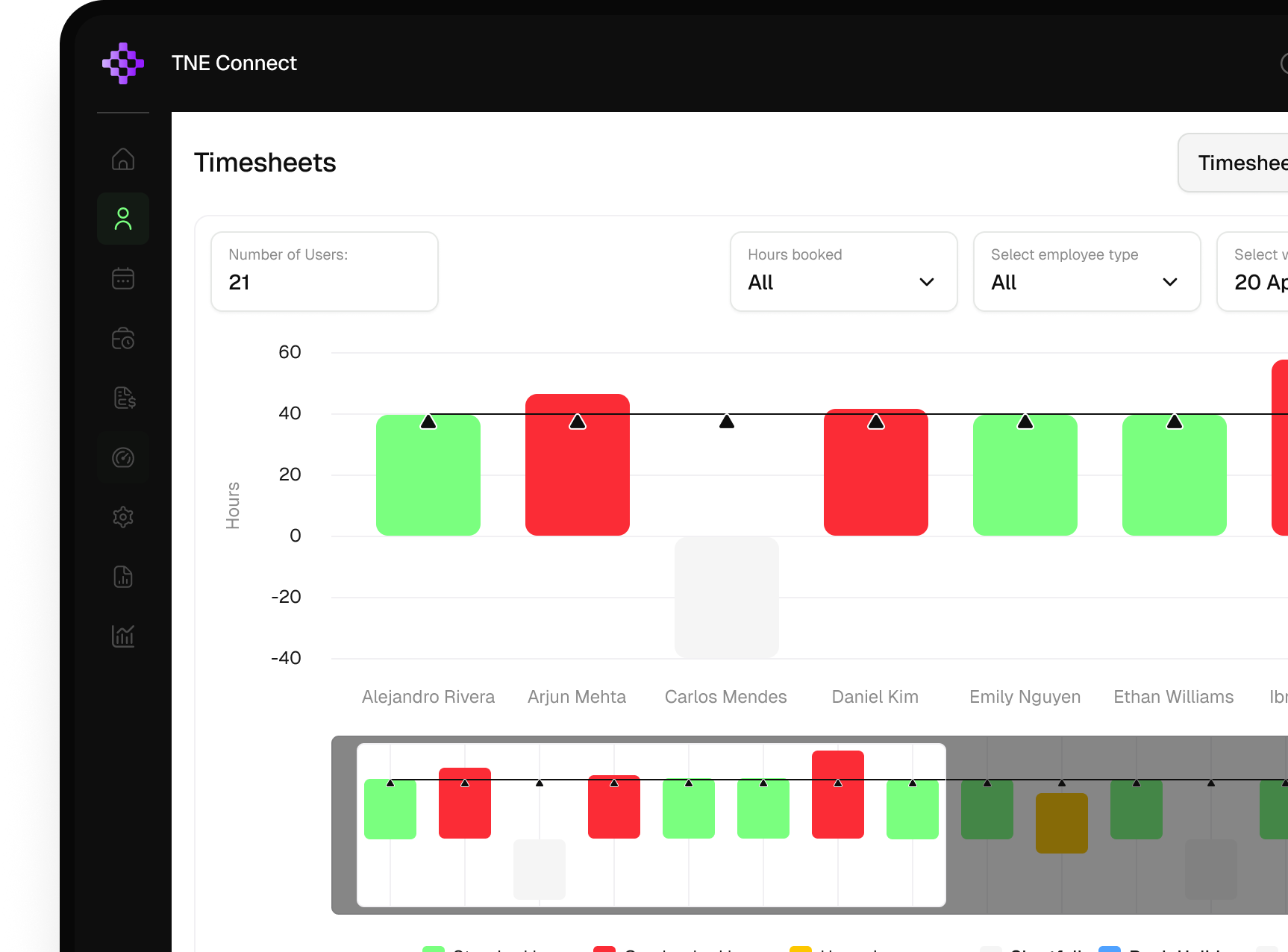
    Actual against budget for the month, by task and by person, plus what it caught that a spreadsheet wouldn't have. Then you decide.

The full product. Not a cut-down version.

Every trial includes all three modules and every feature. There’s no point testing a stripped-back version of something you’d buy whole.


  • Time

    The wedge module. Leads the list deliberately.
    • Timesheets against project tasks.
    • Email, desktop and mobile submission.
    • Automatic nudges.
    • Manager approval workflows.
  • Expenses

    AI receipt extraction is the most demo-able feature TNE has.
    • Photograph receipts on site.
    • AI receipt extraction.
    • Coded to the project as captured.
    • Approval and export to finance.
  • Absence

    Third by design. It is the least likely to trigger a purchase on its own.
    • Requests, approvals and balances.
    • Forecasting against project dates.
    • Calendar integration.
    • Visible to whoever plans the crew.

What happens at day 30

  • Nothing automatic

    There's no card on file, so nothing charges and nothing renews. If we don't hear from you, the workspace simply pauses.

    Getting billed by surprise

  • Your data is yours

    Everything captured during the trial exports to Excel or PDF, whether you continue or not. Nothing is held hostage.

    Lock-in and wasted effort

  • If you continue, nothing resets

    The workspace we built carries straight on. Your project keeps its history, and the team never sees a change.

    Having to do it all again

FAQs

No. There’s no card, no contract and no auto-renewal. At day 30 you either tell us you want to continue, or you don’t hear from us again.

Because an empty workspace is the reason most trials die in week one. Five working days of our time up front is what makes the next 30 days worth anything to you.

One 20-minute set-up call from you. After that, your team submits timesheets and expenses the way they would anyway. Most people are up and running without training.

You can, but we’d advise against it. One project for 30 days gives you a clean read. Two gives you a half-finished rollout and no clear answer.

Lorem ipsum dolor sit amet, consectetur adipiscing elit. In ante justo, fermentum quis nulla eget, lacinia porta justo. Etiam metus velit, faucibus dapibus tempor id, auctor sed justo.

No. It sits under it. TNE Connect handles time, expenses and absence at project level and exports clean data out to whatever you already use for finance and payroll.

You export it in full, to Excel or PDF, before the workspace pauses. It stays yours either way.

One project. Thirty days. No card.

By day 30 you’ll know what your project’s time and cost data actually looks like when it isn’t living in a spreadsheet, and what that’s worth.
  • Set up for you
  • No card
  • No contract
  • Export everything, whatever you decide